The controller behind every compatible game.
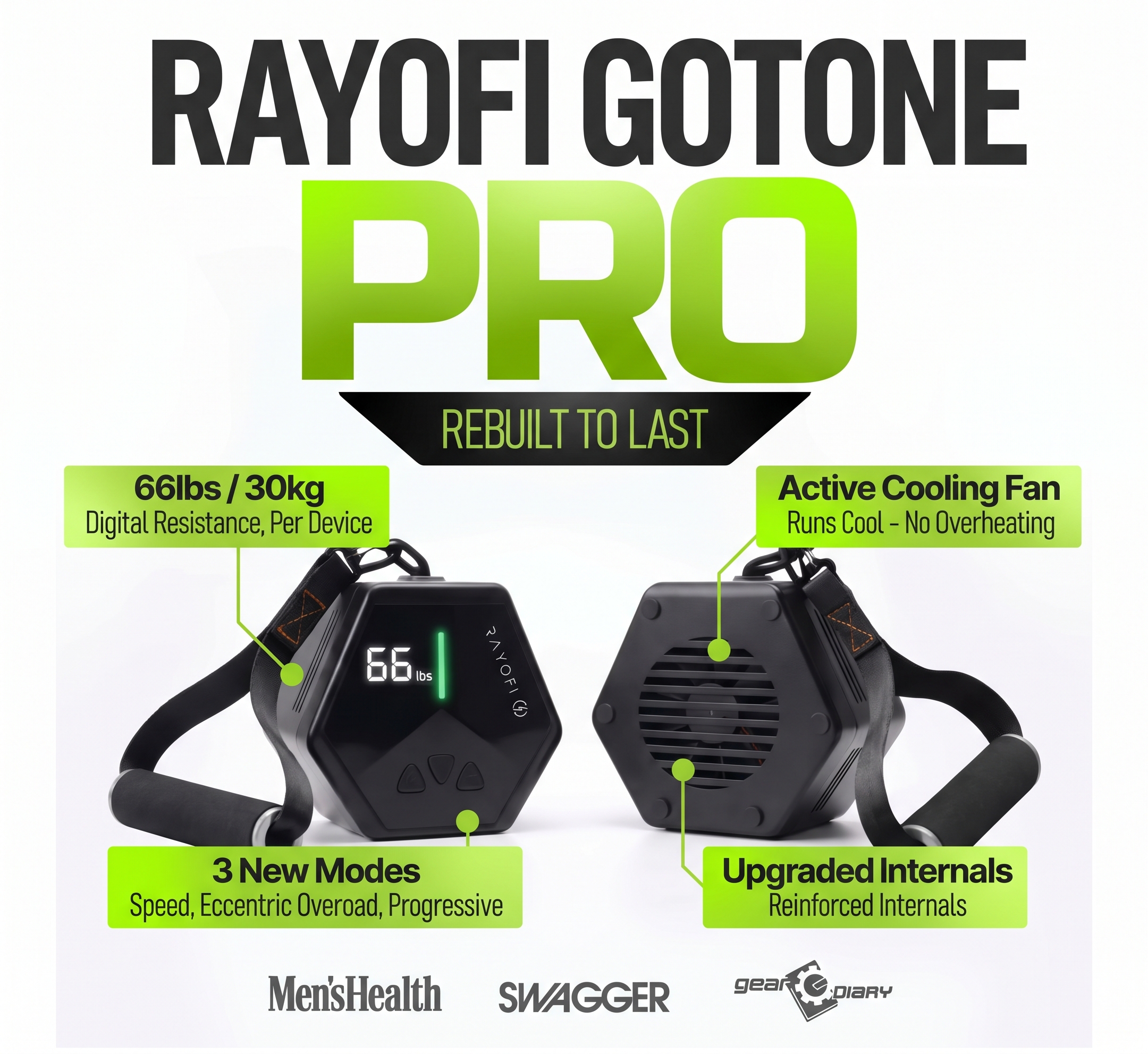
Connect one or two Rayofi GoTone Pro devices as your controller — every pull, rep, and set responds in real time as you play.
Use coupon code FITPLAY when you buy a Rayofi GoTone Pro to get 10% off your purchase.
How it works
-
1
Turn on your Rayofi GoTone Pro (both, if you're using two).
-
2
Open the game you want to play in your Chrome web browser — browse the library if you haven't picked one yet.
-
3
Set the weights for your exercises.
-
4
Select "Connect."
-
5
Follow the in-game instructions to complete your gamified workout.
No Bluetooth connect window?
Enable Bluetooth in Chrome: paste chrome://flags/#enable-web-bluetooth-new-permissions-backend into your address bar and press Enter. Find the setting named "Use the new permissions backend for Web Bluetooth," change the dropdown next to it to Enabled, then click the Relaunch button that appears at the bottom right of your browser.
Good to know
- When you're doing an exercise in the game, your set exercise weight automatically updates on the Rayofi GoTone Pro.
- You'll need to adjust the Rayofi GoTone Pro's own setup for each exercise — guided images in the game will walk you through it.
- Games can use one Rayofi GoTone Pro or two at once — pair a second one for more resistance, it's not an either/or choice.
Ready to gamify your workout?
Connect it once, then every compatible game plays through it.